Master SEO with Google's New Learning Paths: Search Fundamentals and Technical SEO
Google has launched new curated YouTube playlists to guide you through SEO basics and technical SEO essentials.
- SEO
- YouTube
- Google Search
- Learning Paths

Google has launched two new curated YouTube playlists: one for Search fundamentals and another for Technical SEO. These playlists provide structured learning paths for website owners, marketers, and developers. After reading this guide, you can decide which playlist best suits your needs based on your experience level and specific goals.
If you are new to SEO or just starting to manage a website, the Search fundamentals playlist is ideal. It covers essential concepts such as how Google crawls, indexes, and serves content, and provides practical guidance on optimizing your presence in search results. This playlist also includes tutorials on using Google Search Console and Google Trends to measure performance.
For those managing complex technical infrastructure or with a background in technical SEO, the Technical SEO fundamentals playlist is more appropriate. It delves into site health, crawl budget optimization, and large-scale debugging. Topics include managing robots.txt files, troubleshooting indexation issues, and understanding how browsers parse HTML for SEO.
By selecting the right playlist, you can gain valuable insights and practical tips to enhance your online presence and search performance, tailored to your specific needs and experience level.
Understand what the measurements can tell you
Understanding what the measurements can tell you is crucial for making informed business decisions. The Search fundamentals playlist covers how Google crawls, indexes, and serves content, which helps you understand how your website appears in search results. For example, knowing how Google indexes your site can reveal if certain pages are not being indexed properly, potentially affecting your visibility. However, these metrics do not prove that your site will rank higher; they simply indicate how Google perceives and processes your content.
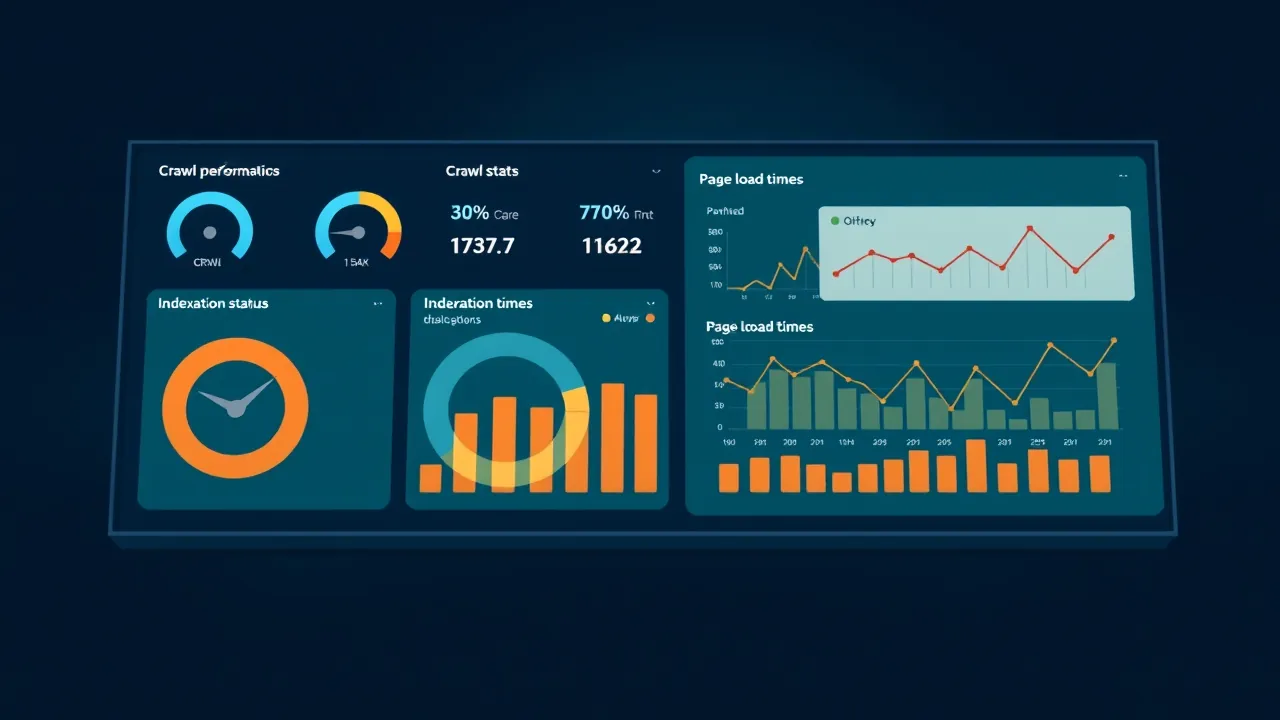
The Technical SEO fundamentals playlist focuses on deeper technical aspects like crawl budget optimization and site health. For instance, understanding crawl budget can help you manage how Googlebot interacts with your site, but it does not guarantee improved rankings. Similarly, while insights from Google Search Console can highlight issues like broken links or crawl errors, they do not directly prove that fixing these issues will lead to better search performance.
By leveraging these playlists, you can gain a clearer understanding of your site’s performance and potential areas for improvement, but it’s important to recognize that these metrics are indicators rather than guarantees of success.
Establish a baseline before making changes
- Identify Key Metrics: Determine which metrics are most relevant to your goals, such as crawl stats, indexation status, or performance reports from Google Search Console. For lab data, use PageSpeed Insights to get insights into page-level performance. For real-user field data, rely on Search Console’s real-user metrics.

-
Record Initial Data: Capture the initial state of your website by recording these metrics. For lab tests, note the PageSpeed Insights scores for both desktop and mobile. For real-user data, document the average page load times and user interaction metrics from Search Console.
-
Compare and Hold Constant: After making changes, compare the new metrics to the baseline data. Ensure that external factors (like seasonal traffic fluctuations) are held constant to accurately assess the impact of your changes. If certain data points are unavailable, focus on the metrics that are most indicative of your site’s performance.
-
Handle Unavailable Data: If specific data points are missing, consider alternative metrics that can provide similar insights. For example, if real-user field data is unavailable, rely on lab data to gauge performance improvements. Always document any assumptions or limitations in your analysis to maintain transparency.
By establishing a baseline and carefully comparing changes, you can better understand the impact of your SEO efforts and make informed decisions to improve your online presence.
Test the cause instead of guessing
When diagnosing issues with your website’s search performance, it’s crucial to test the cause rather than guessing. Here’s a diagnostic decision tree to help you systematically identify and address problems:

- Observation: Notice that your website’s traffic has dropped or certain pages are not appearing in search results.
- Competing Possible Causes:
- Indexation Issues: Pages are not being indexed.
- Crawl Budget Constraints: Googlebot is not crawling enough pages.
- Content Quality: Pages lack relevant or engaging content.
- Test to Distinguish Causes:
- Indexation Check: Use the URL Inspection tool in Google Search Console to check if the pages are indexed.
- Crawl Stats Report: Review the Crawl Stats report in Search Console to see if the crawl rate is within expected limits.
- Content Analysis: Analyze the content for relevance and engagement using tools like Google Trends.
- Next Actions Based on Results:
- If Not Indexed: Submit a sitemap to Google Search Console and ensure your robots.txt file is not blocking these pages.
- If Crawl Budget is Low: Optimize your site’s structure and content to improve crawl efficiency.
- If Content Quality is Poor: Update the content to be more relevant and engaging.
This approach helps you pinpoint the exact cause of the issue, allowing for targeted and effective solutions rather than broad, speculative changes.
Make one targeted change and verify it
- Choose a Specific Change: Based on insights from the Search fundamentals or Technical SEO playlists, select a specific change to implement. For example, if you notice issues with crawl budget, focus on optimizing your site’s structure to improve crawl efficiency.

-
Protect Functionality: Before making the change, ensure that it won’t break existing functionality. Test the change in a staging environment if possible, or use a feature toggle to enable it for a small subset of users initially.
-
Compare Equivalent Test Conditions: After implementing the change, compare the new metrics to your baseline data. Ensure that external factors such as traffic fluctuations are held constant to accurately assess the impact.
-
Monitor Real Users: Use real-user metrics from Google Search Console to monitor the performance of your changes. If the change negatively impacts user experience or site performance, consider rolling back the change.
-
Decide to Stop or Roll Back: If the change does not improve performance or causes issues, roll back the change to restore the previous state. If the change is successful, continue monitoring to ensure sustained improvements.
By following these steps, you can systematically test and verify changes, ensuring that they positively impact your site’s performance without causing unintended consequences.
Worked example: a hypothetical small business website
Imagine a small business website, Eddie’s Electronics, which has noticed a decline in organic traffic and poor visibility in search results for key product pages. To diagnose the issue, start by considering several competing hypotheses:
- Indexation Issues: Pages are not being indexed properly.
- Crawl Budget Constraints: Googlebot is not crawling enough pages.
- Content Quality: Pages lack relevant or engaging content.
To distinguish between these hypotheses, use the URL Inspection tool in Google Search Console to check if the pages are indexed. Review the Crawl Stats report to see if the crawl rate is within expected limits. Analyze the content for relevance and engagement using tools like Google Trends.
If the pages are not indexed, submit a sitemap to Google Search Console and ensure the robots.txt file is not blocking these pages. If the crawl budget is low, optimize the site’s structure and content to improve crawl efficiency. If the content quality is poor, update the content to be more relevant and engaging.
After making a targeted change, such as optimizing the site structure, compare the new metrics to the baseline data. Ensure that external factors like traffic fluctuations are held constant to accurately assess the impact. Monitor real-user metrics from Google Search Console to ensure the change does not negatively impact user experience or site performance. If the change does not improve performance or causes issues, consider rolling back the change to restore the previous state.
Tradeoffs and limits to keep in mind
When considering the curated YouTube playlists for Search fundamentals and Technical SEO, it's important to recognize the tradeoffs and limitations involved. For instance, while the playlists provide valuable insights, they may not cover every specific scenario your business might encounter. Implementing recommendations from these resources can sometimes backfire if not tailored to your unique context. For example, optimizing crawl budget might improve indexing but could also inadvertently prioritize less important pages, diluting the focus on high-value content.
Additionally, the playlists do not promise guaranteed outcomes. SEO is a complex and dynamic field, and what works for one business may not work for another. It's crucial to monitor the impact of any changes closely and be prepared to adjust your strategy based on real-user data and performance metrics.
In situations where the issues are particularly complex or the stakes are high, involving a specialist can be beneficial. A technical SEO expert can provide deeper insights and more nuanced solutions that are specifically tailored to your business needs. This can help avoid potential pitfalls and ensure that your SEO efforts are as effective as possible.
Common mistakes and how to avoid them
- Over-Optimizing Crawl Budget: One common mistake is over-optimizing the crawl budget, which can lead to Googlebot focusing on less important pages. This dilutes the focus on high-value content, potentially harming your site’s visibility for key terms. To avoid this, carefully analyze which pages are most important for your business and ensure they are prioritized in your sitemap and internal linking structure.

-
Ignoring Content Quality: Another mistake is assuming that technical SEO alone will drive traffic. If the content on your pages is not engaging or relevant, users will leave quickly, negatively impacting your site’s performance metrics. Always ensure that your content is high-quality and addresses the needs of your target audience. Use tools like Google Trends to identify trending topics and incorporate them into your content strategy.
-
Not Monitoring Real-User Metrics: Relying solely on lab data without considering real-user metrics can lead to misguided decisions. Lab data may show improvements, but if real users are experiencing poor performance, your SEO efforts will not yield the desired results. Regularly monitor real-user data from Google Search Console to ensure that any changes positively impact user experience and site performance.
By avoiding these common pitfalls, you can ensure that your SEO efforts are well-rounded and effective, leading to sustained improvements in your site’s visibility and performance.
Your next steps
-
Start with the Basics: If you are new to SEO or a website owner, begin with the "Search fundamentals for beginners" playlist. This will provide a solid foundation in how Google works, including crawling, indexing, and serving content. Evaluate your current SEO knowledge and decide if you need to start here.
-
Dive into Technical SEO: Once you have a good grasp of the basics, move on to the "Technical SEO fundamentals" playlist. This is particularly useful for developers and technical SEO specialists, covering topics like crawl directives, indexing, and rendering considerations. Assess whether your team has the technical expertise to handle these advanced topics.
-
Monitor and Adjust: After implementing changes based on the playlists, monitor real-user metrics from Google Search Console to ensure the changes positively impact user experience and site performance. If you notice any issues or if the changes do not improve performance, consider rolling back the changes and reassess your strategy.
-
Seek Expert Help: If you encounter particularly complex issues or need more tailored solutions, consider reaching out to a technical SEO expert. They can provide deeper insights and more nuanced solutions that are specifically tailored to your business needs. For more information on our services, visit our Contact page.
Source: New learning paths: curated YouTube playlists for Search fundamentals and Technical SEO